
Expressions of
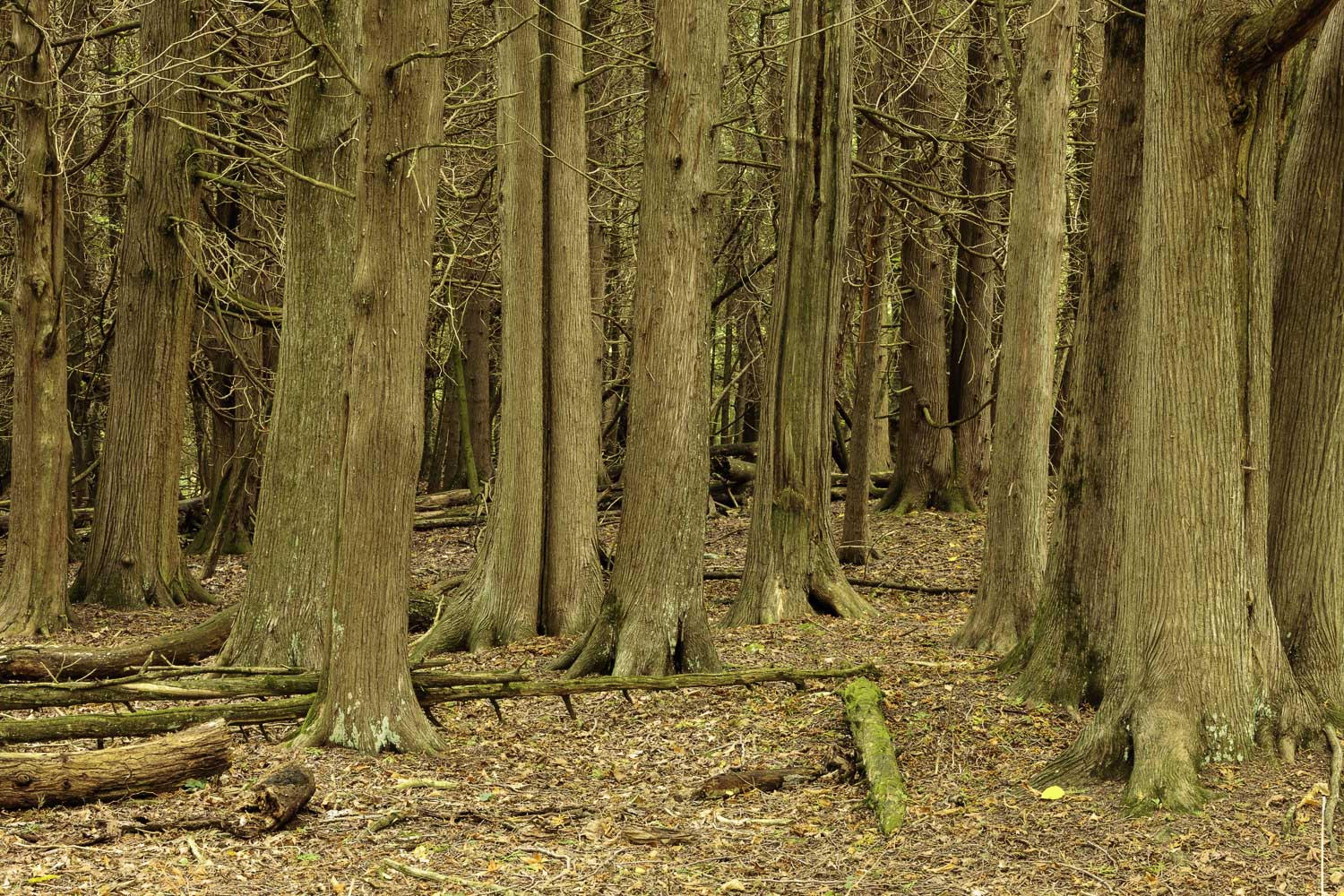
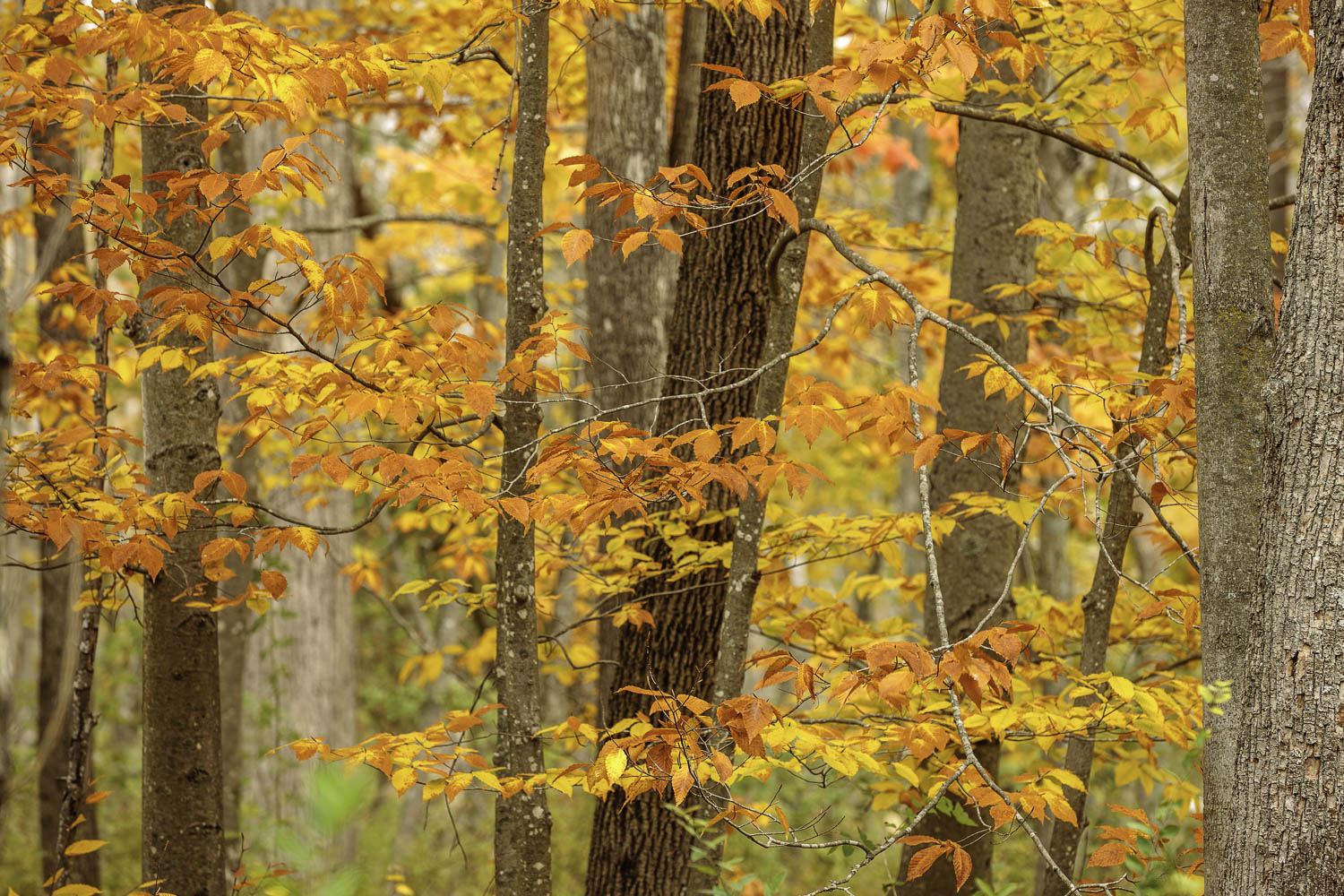
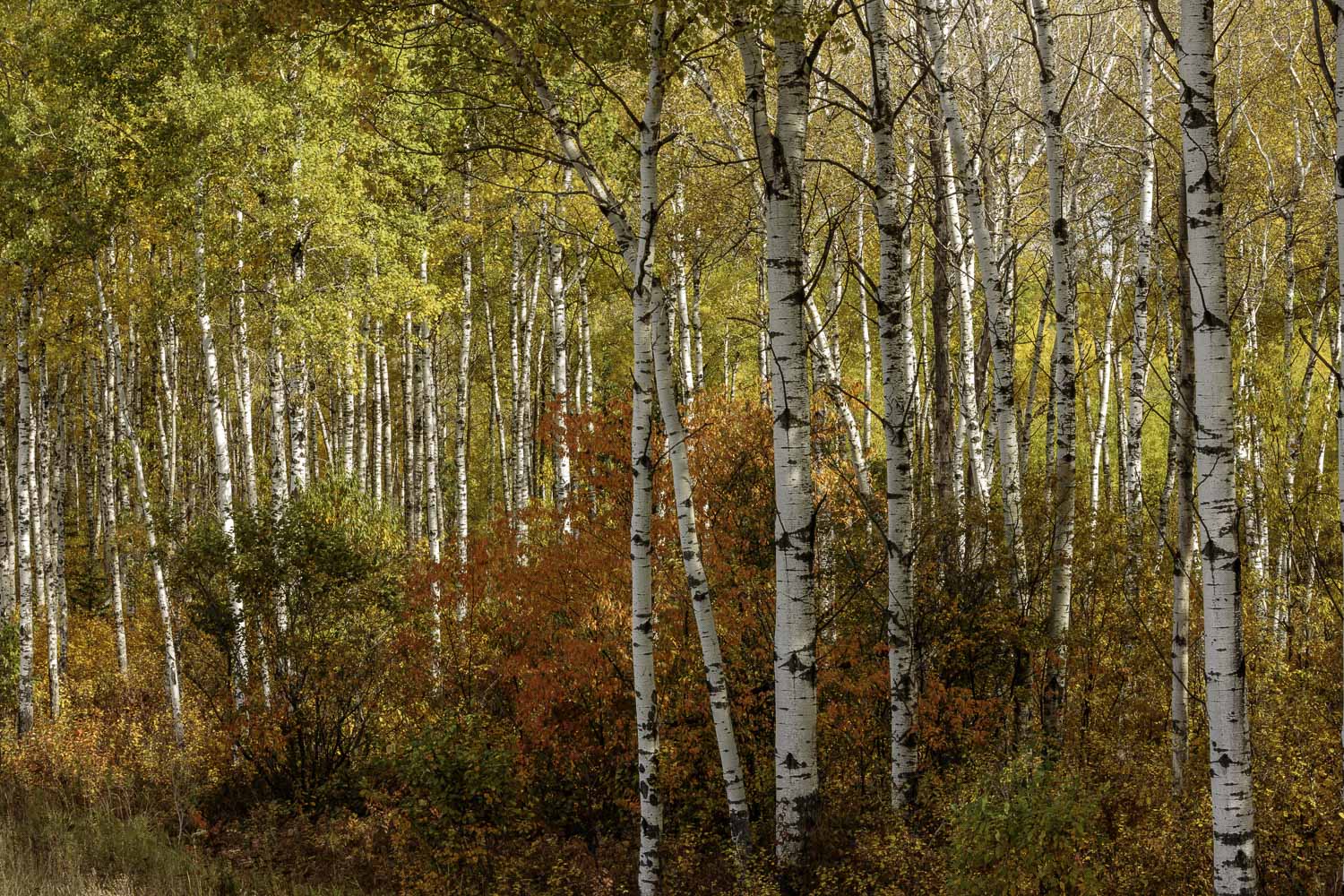
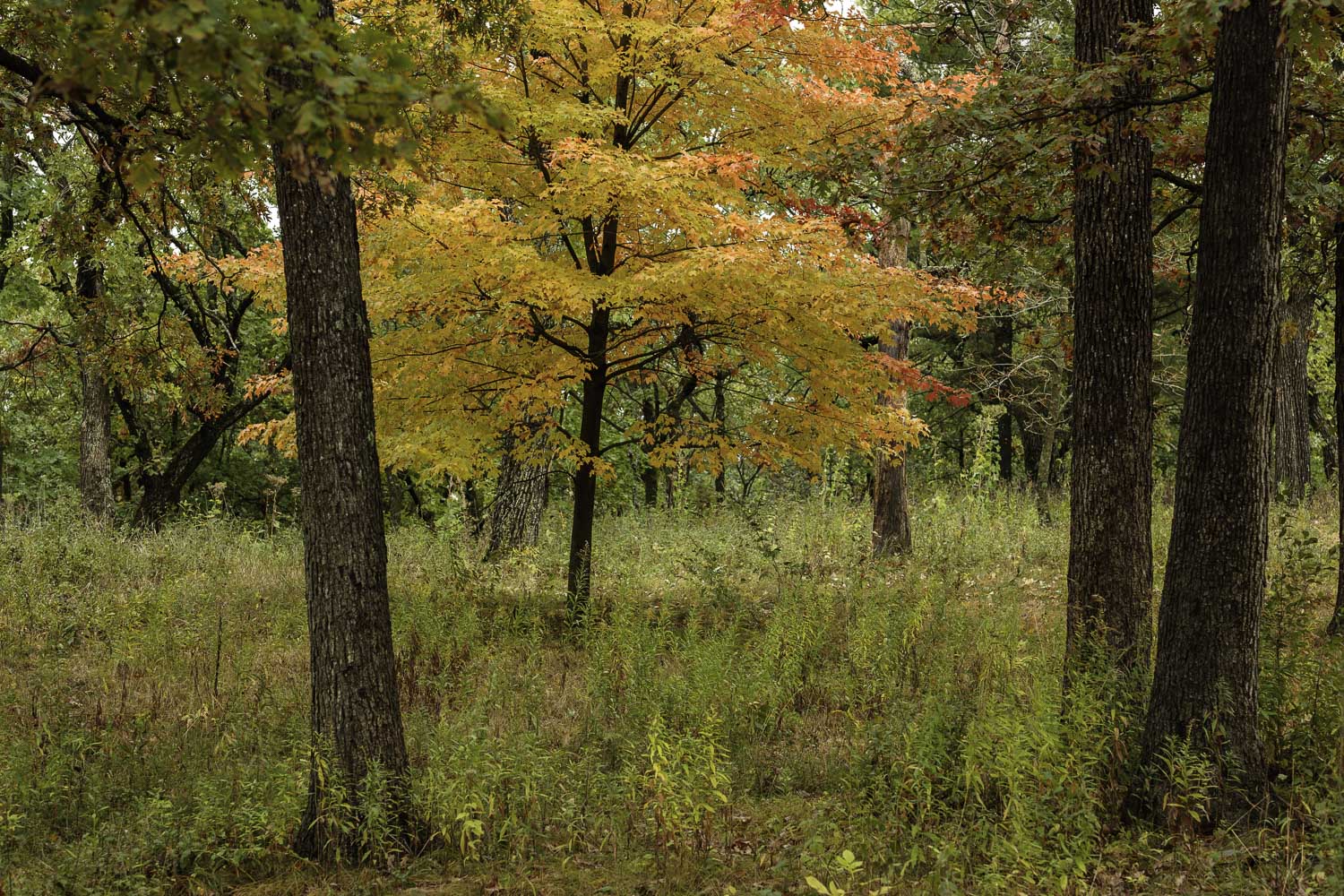
Where Each Print Feels Like a Long-lost Friend
💚 Save the Prints You Enjoy
First Time Saving Prints
Before creating your "Favorites" list:
> Click the person icon in the upper-right corner
> Enter your email address
A one-time pass code will be sent to your email address
> Enter that code on the next screen
> You'll then be returned to the "Expressions" Page
Start creating your own "Favorites" list by clicking on the heart icon
If You've Saved Prints Before
Returning to your "Favorites":
> Once again click the blue person icon (upper right menu)
> Select “Favorites”
> Enter your email address
A one-time pass code will be sent to your email address
> Enter that code on the screen
> A new page with all your saved "Favorites" will open, ready to enjoy
> Easily add additional favorites by clicking the heart icon on any image
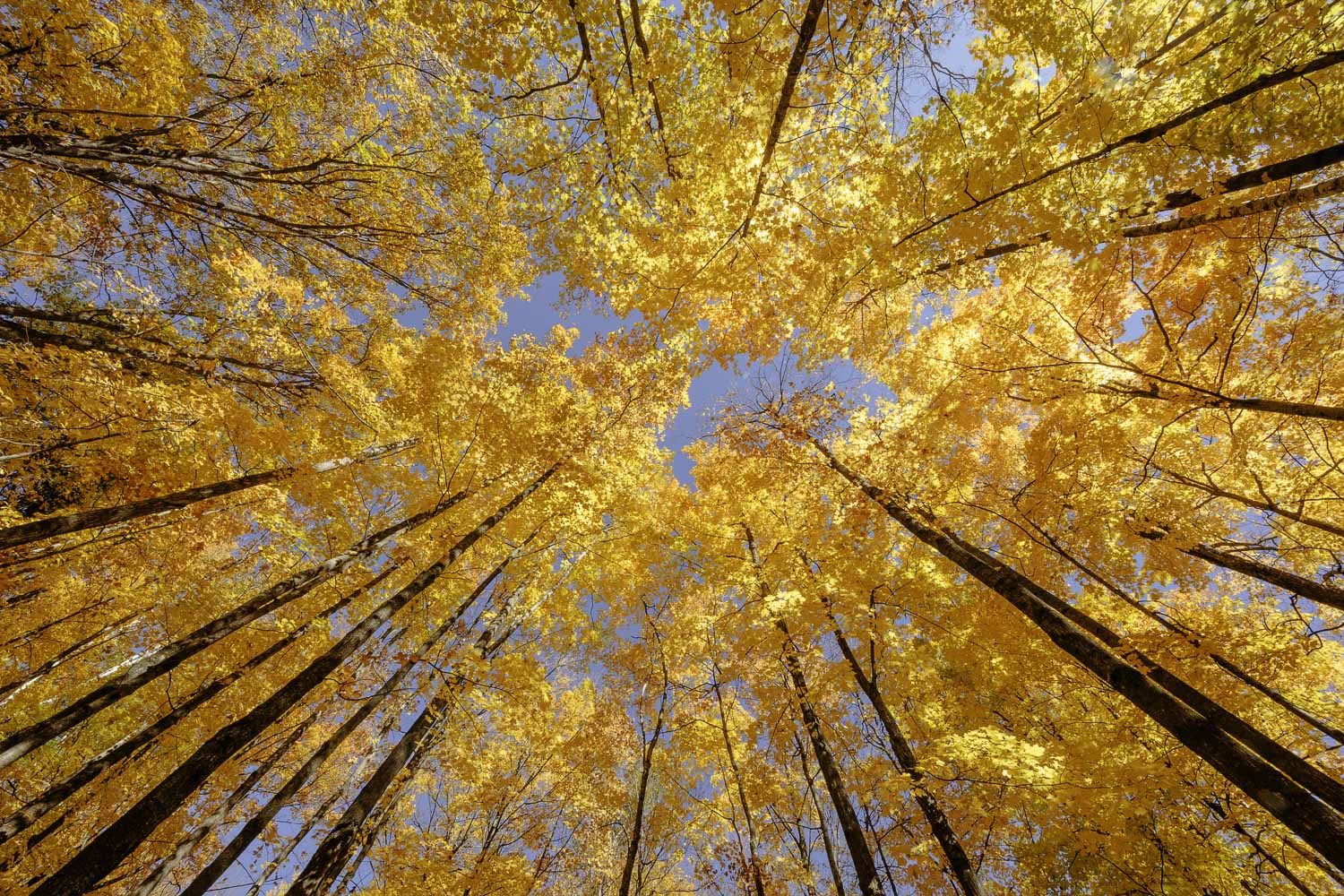
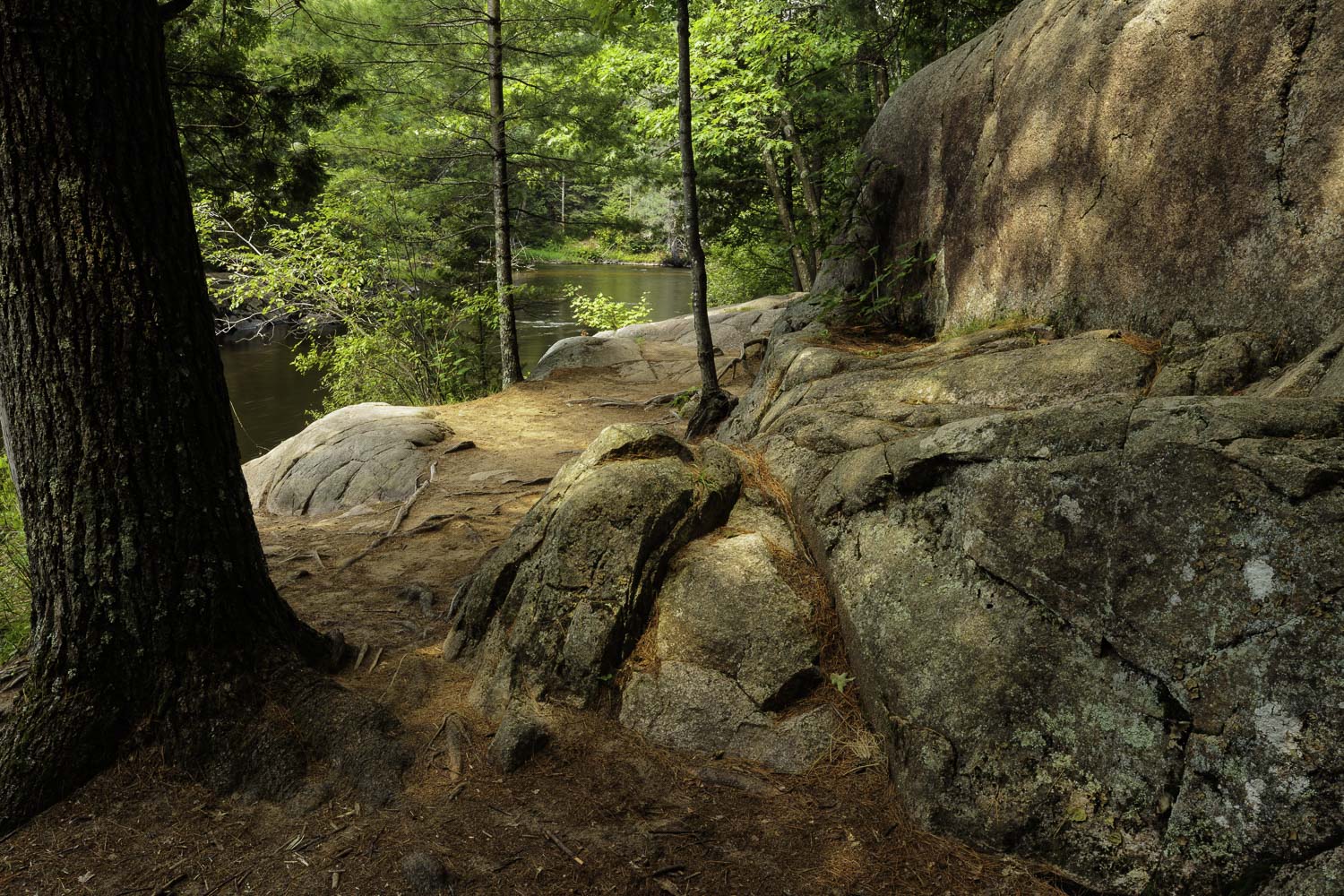
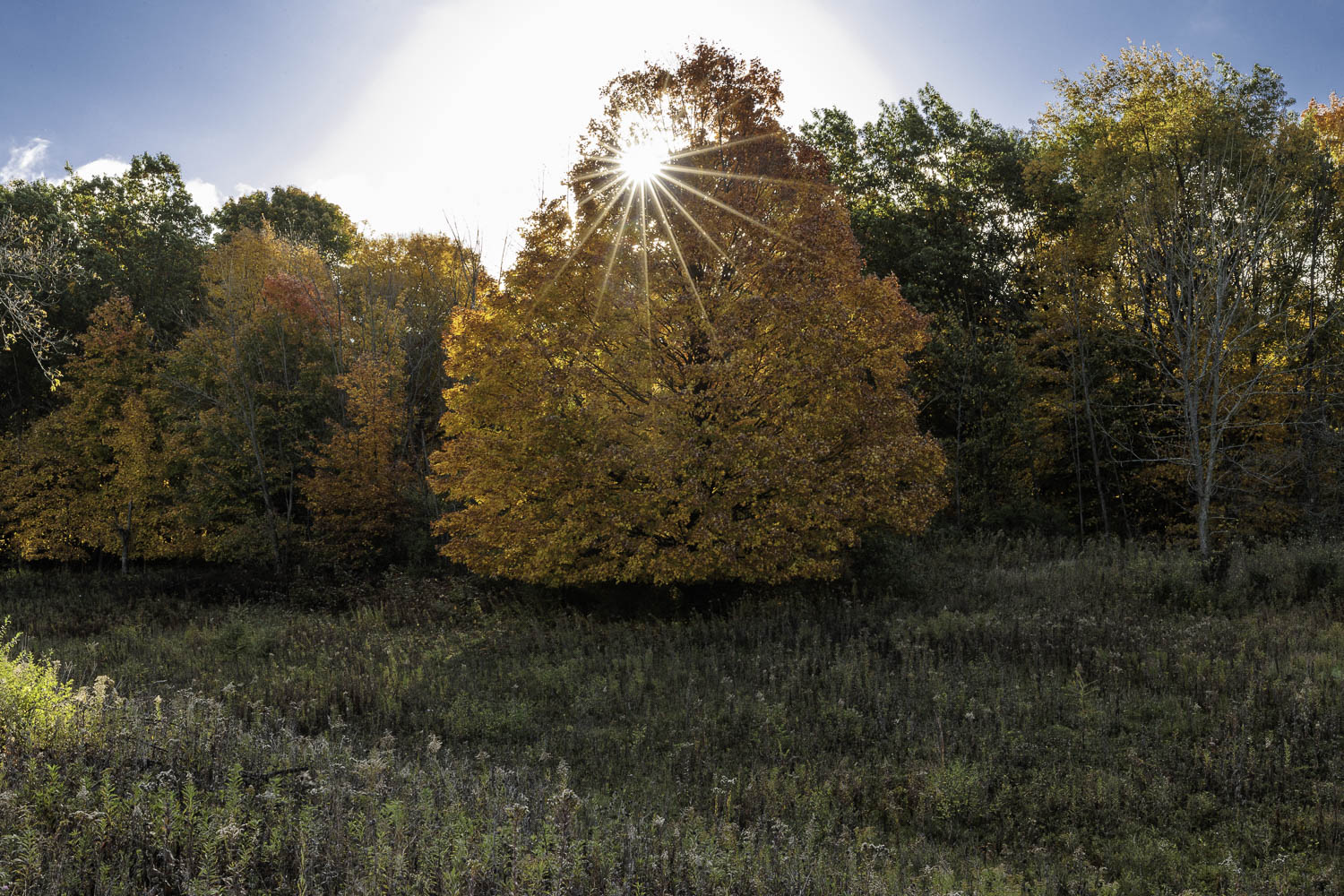
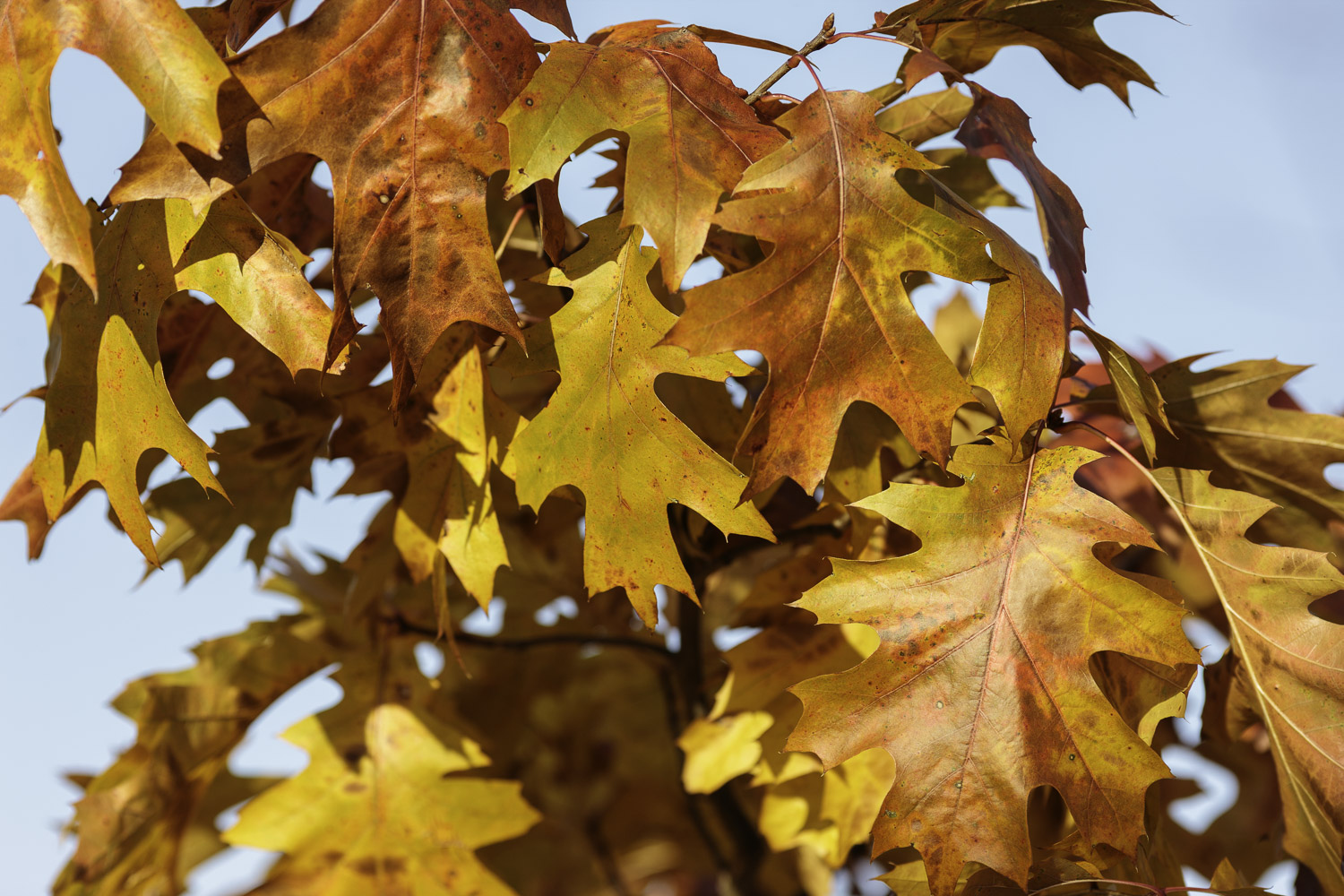
Always
Free Shipping with Continental US
100% Customer Satisfaction
30-Day Returns
Dura Plaq Difference
"My wife and I love your work"
“Your nature prints have a very special Zen quality to them”.
“Every day I get up and see the three beautiful prints lighting up my kitchen with color and scenic views.
I have now had them on my wall during all of the seasons and they add something special and never fail to brighten the day.
Visitors always comment on them and how they compliment the design of our kitchen.”
(Chicago suburb)
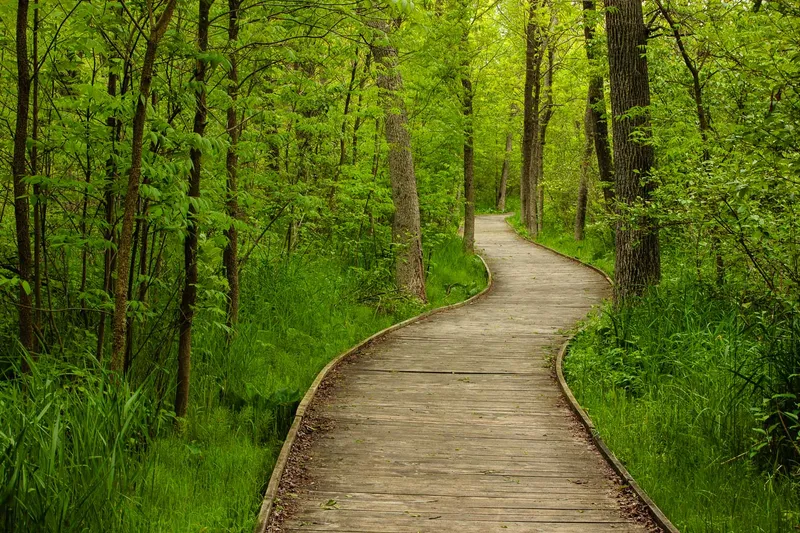
“The Boardwalk at Kohler Andre State Park is in our family room next to the fireplace and is a daily reminder of many good times there.”
(Cedarburg, WI)
“Drake’s photography shows his keen perception of the sublime beauty of the Wisconsin landscape.
We ordered a large gallery wrap to bring some of that beauty and vision into a special space in our home.
Drake’s courtesy and professionalism made him a pleasure to work with, and the piece that we received exceeded our expectations.”
(Madison, WI)
Have a Question?
You may also enjoy the short video answers on the FAQS page.
“The beauty you see thru your eyes and transfer that through your cameras lens for us to enjoy”.
“The images are calming”.
~ Followers' Comments
Thought for the Day
"If you do what you can do,
and I do what I can do,
together, we can make a difference.”
~ John Denver

Navigation


